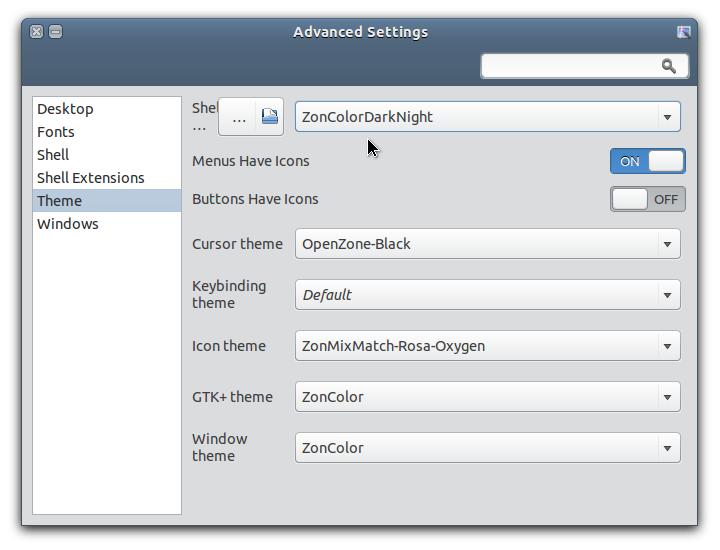
In GNOME 3, there is no official utility for changing desktop theme, especially the Shell theme. You can install and use a tool like Advanced Settings (
gnome-tweak-tool) to change various settings in GNOME 3 desktop including GTK theme, but to be able to change the Shell theme with a theme in user theme folder, you have to use an extension, that is User Themes extension (which is one of the most popular extension). You can install it from the official GNOME website here.Unfortunately, up until now, the User Themes extension from the GNOME website that will be installed into your home directory, is still causing a problem, that is causing Advanced Settings (the app that we will use to change GNOME Shell theme) fail to launch when the extension is active (at least on Ubuntu 12.04 and Debian Wheezy, from my experience).
To fix the User Themes extension problem (causing Advanced Settings failed to launch), you can try the following steps.
